 Logobundle
How to get your team logo ready for jerseys and banners
Updated · 8 min read
To get a team logo ready for jerseys, banners and merch, give the printer a vector file (PDF, EPS or SVG) with a few flat colours, plus a one-colour and a white version for dark shirts. Screen printers and vinyl cutters work one colour at a time, so a crest with three or four solid colours is sharp and usually cheaper, while chrome, bevels, glow and fine shading are not. Embroidery is different: it needs a stitch file that a digitizer makes from your artwork. This guide shows what survives printing and cutting on real test logos, which versions a team needs, how to give a printer exact colours, and what Logobundle does and does not make. It builds the vector files from a PNG or JPG of your crest.
A real result
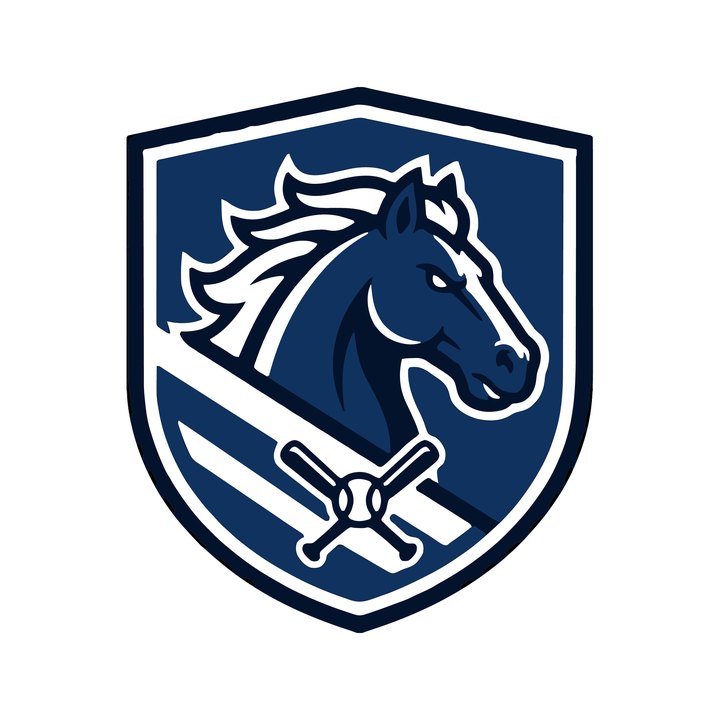
The versions in the pack
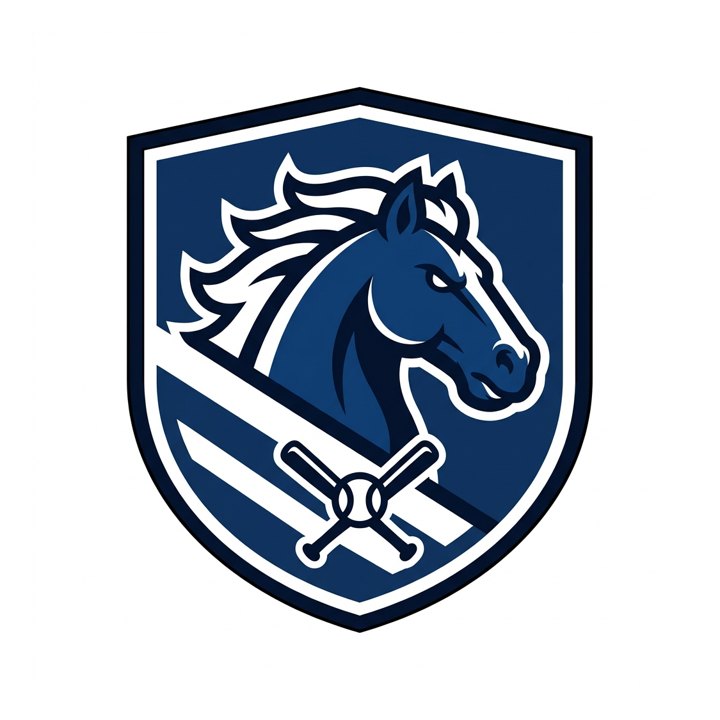
Every pack has the SVG in colour, black, white and grayscale, made from the same trace. The white one is shown on black, the way it prints on a dark jersey.
Colour
Black
White on black
Grayscale
On this page
What a printer actually needs
"Send us your logo" means different files for different jobs. A PNG is a grid of pixels, and the machines that cut and press work from shapes, so most shops either ask for a vector file or redraw your PNG themselves, sometimes for a fee. This is what the common methods usually want. Shops differ, so ask yours which file they prefer.
| Method | File the shop usually wants | What limits the design |
|---|---|---|
| Screen printing | Vector (PDF, EPS, AI or SVG) | One screen per colour: each extra colour costs setup, and gradients need special treatment |
| Vinyl and heat transfer | Vector (PDF, EPS or SVG) | A cutter follows each outline, one layer per colour; thin lines and tiny details are hard to peel off the backing |
| Sublimation and digital print | Vector, or a sharp high-resolution image | Gradients are fine, but a low-resolution PNG prints soft |
| Embroidery | A stitch file (DST, PES and similar) made from your artwork | Thread has a width: very thin lines and tiny letters do not stitch |
A vector file keeps its shapes and colours at any size, so the same file serves a left-chest print and a banner. Our PNG to SVG guide explains what a vector is and how a PNG becomes one. If you only need the files, the logo for print page makes them from your upload.
What prints and cuts well, and what does not
We ran four team-style logos through Logobundle's tracer as they were: one flat crest and three that are common in AI-made team logos. All four inputs were made with a Gemini image model for our test set.
 ✓
✓Flat crest
 ✗
✗Chrome and glow
 ✗
✗Detailed mascot
 ✗
✗Thin outline lettering
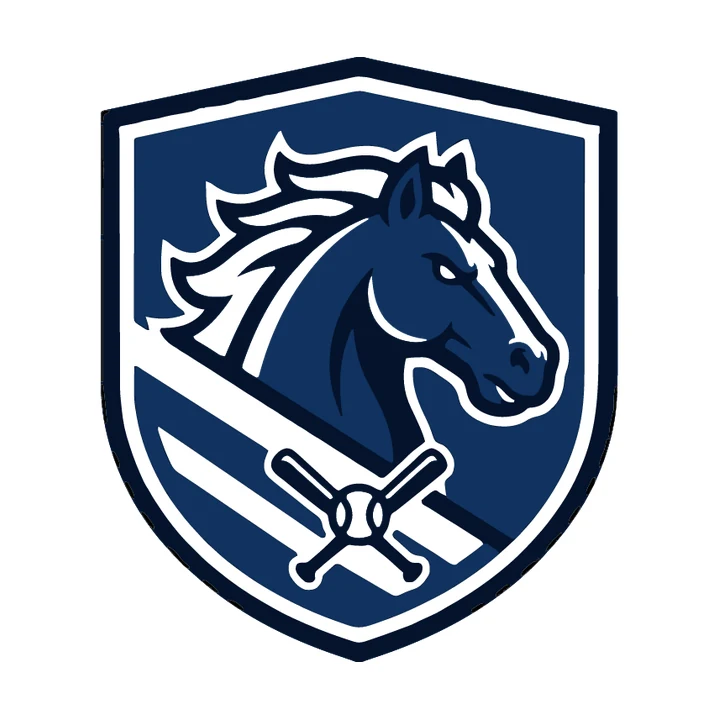
- Flat crest (✓): 4 colours, 44 paths, a 64 KB file. Every edge is clear, so each colour is one clean screen or one vinyl layer.
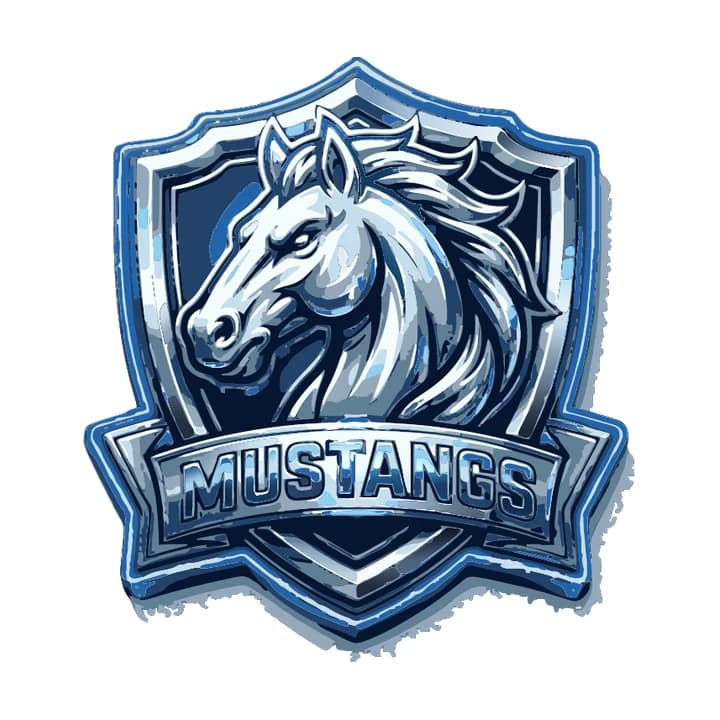
- Chrome and glow (✗): the bevel and the glow have no edge to follow. The trace needs 8 colours and 983 paths, a file of 862 KB, and the rim is rough. A printer cannot split that into a few clean colours. Ask for the same crest flat, without bevel, gloss or glow.
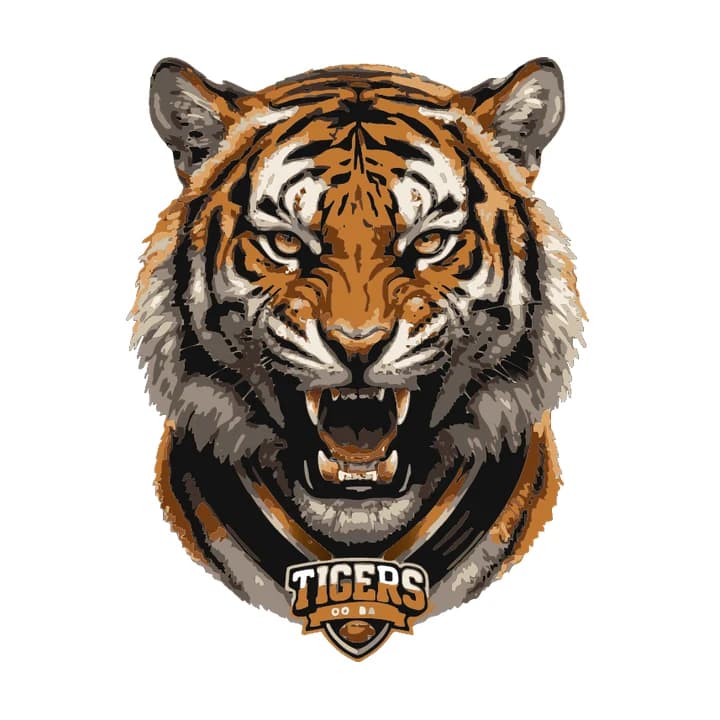
- Detailed mascot (✗): fur and shading come out as 10 colours and 655 paths. It can work as a large full-colour digital print, but not as a screen print or vinyl cut, and the small TIGERS badge is already breaking up.
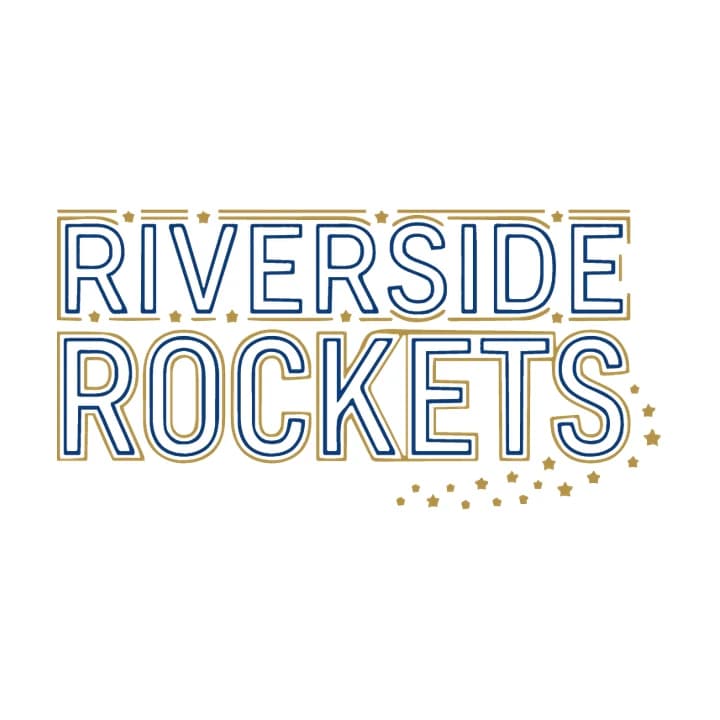
- Thin outline lettering (✗): only 2 colours, but the double outline is so thin that it fills in when printed small, and a thread cannot follow it. Make the strokes bolder.
 ✓
✓Flat crest at 48 px
 ✗
✗Mascot at 48 px
 ✗
✗Thin lettering at 48 px
If your crest came from an AI image tool, the Midjourney guide and the Gemini guide show how to ask for a flat version that traces cleanly.
The versions a team needs
One full-colour file is not enough for a season of kit. A dark jersey needs a light version, a single-colour print job needs a one-colour logo, and a cap or a sponsor sheet often asks for black or white only. Plan for these three:
- Full colour: the crest as designed, for light shirts, banners and the website.
- One colour (black): the same shapes in a single ink, for one-colour print jobs, forms, newsletters and engraving.
- White: for dark jerseys, hoodies and caps, where the dark parts of the crest would disappear.
Logobundle makes all three, plus a grayscale version, from one upload. The pack has SVG in colour, black, white and grayscale, PDF in colour, black and white, and EPS in colour and black.
Got your team crest as a PNG or JPG? See its vector versions in half a minute, free.
Give the printer your exact colours
A screen or a phone mixes colour from red, green and blue (RGB). A printer's inks are mixed differently, so the same navy looks a little different on the shirt. The files in the pack use RGB, as traced. Printers convert them or match them to their inks, and for a club colour that has to be right every season, the safest way is to name it: a Pantone number, or at least the hex code.
You can read the hex codes from an SVG: open it in any text editor and look for fill="…". The flat crest above uses four:
fill="#000101"   near-black outline
fill="#04132c"   dark navy
fill="#10325f"   navy
fill="#fff"      white
The first two are almost the same dark. If you want to save a colour, tell the printer to print them as one.
Embroidery, and what Logobundle does not make
Embroidery does not use a vector file directly. The machine stitches from a stitch file (DST, PES and similar formats), and a digitizer makes that file by deciding where each thread goes. Logobundle does not make stitch files. What it gives the digitizer is a clean, flat vector to start from, which is the part that saves time.
- Thread has a width. Most embroiderers want letters at least about 6 mm (¼ inch) tall and lines about 1 mm wide, so thin double outlines and tiny taglines do not stitch. Ask your shop for its minimums.
- Few flat colours stitch best, because each colour is a thread change.
- Gradients cannot be stitched as a smooth blend. The digitizer picks a few steps.
Likewise, Logobundle does not make colour separations for screen printing or a Pantone-matched file. The shop prepares those from your vector.
Make the files with Logobundle
- 1Upload a PNG, JPG or WebP of your crest. Use the largest, sharpest original you have, on a plain background.
- 2Look at the free preview. It has every image file, with a watermark and at small sizes, so you can check the shapes and the versions before paying.
- 3Pay once for the Logo pack and download it: the vector files are in logo/, the print files in logo/print/.
- 4Send the shop the PDF (or the EPS or SVG if they ask) in the versions they need, plus the colours and the size and place of the print.
If you would rather trace it by hand, the PNG to SVG guide has the steps for Inkscape and Illustrator. Most shops also ask for the placement and size, for example left chest, back or sleeve, so tell them that when you send the files.
What to send your printer
- The vector file: PDF first, EPS or SVG if they ask.
- The versions: full colour, black and white.
- The exact colours: Pantone numbers or hex codes.
- The size and placement of each print, for example left chest 9 cm wide.
- The colour of the garment, so they know whether to use the colour or the white version.
- A note if a part of the logo, such as a year or a sponsor, changes every season.
The same files work for stickers, so the club can make die-cut stickers for fans and fundraisers from the same upload.
Try every file before you pay
Free with a watermark · no account · about 30 s. Clean from €8.99, paid once.
Upload your PNG
The file your image generator gave you. A plain or transparent background works best.
Download the full pack, free
Every image file, with a watermark. Try the favicon in your site and the icon on your phone.
Get it clean
Pay once, from €8.99: AI redraws your logo flat and clean, and you get files without watermark plus the SVG vectors. No account, no subscription.
Pricing
Complete
€18.99 paid once
- ✓ AI clean-up before tracing (optional)
- ✓ SVG vectors that scale to any size
- ✓ Print-ready PDF and EPS
- ✓ Transparent PNGs, WebP and AVIF, black and white versions
- ✓ Favicons, touch icons, web manifest
- ✓ iOS, Android and desktop app icons
- ✓ Share images for links and profiles
- ✓ Die-cut sticker, 50, 75 and 100 mm
Logo
€8.99 paid once
- ✓ AI clean-up before tracing (optional)
- ✓ SVG vectors that scale to any size
- ✓ Print-ready PDF and EPS
- ✓ Transparent PNGs, WebP and AVIF, black and white versions
- ✓ Die-cut sticker, 50, 75 and 100 mm
No favicons, app icons or share images.
Free
€0 watermarked
Every image file with a watermark, to check the result. No vectors, testing only.
One-time payment, no account, no subscription. The AI clean-up is included; untick it at checkout if you prefer the plain trace.
Only need stickers? Sticker pack for €4.99 with print-shop, Cricut and Silhouette files and ready-made sheets.
Questions
- What file format do I give a jersey printer?
- A vector file: PDF first, or EPS or SVG if the shop asks for it. Screen printing and vinyl cutting work from shapes. Embroidery shops need a stitch file, which they make from your vector.
- Can I just send a PNG?
- Some digital and sublimation printers accept a sharp, high-resolution PNG. For screen printing and vinyl, most shops redraw a PNG into a vector first, and some charge for it. Sending a vector avoids that.
- How many colours should a team logo have?
- Two to four flat colours is the easiest to print and cut. Screen printers usually price by colour, so fewer is often cheaper. Ask your shop for its price per colour.
- Does Logobundle make embroidery files?
- No. It makes vector files (SVG, PDF, EPS) and PNGs. An embroidery shop or digitizer turns the vector into a stitch file such as DST or PES.
- Are the files CMYK?
- No, the colours are RGB, as traced. Printers convert them or match them to their inks. For exact club colours, give the printer Pantone numbers or the hex codes from the SVG.
- Can I use the same files for banners and stickers?
- Yes. A vector prints at any size, from a sleeve to a banner. The Logo pack also has die-cut sticker files in 50, 75 and 100 mm.
More answers in the main FAQ.