 Logobundle
Turn a ChatGPT logo into an SVG
Updated · 12 min read
ChatGPT cannot hand you a real SVG of the logo it drew: its image tool makes raster images, and the SVG code it writes on request is a new drawing, not your image. To get a vector of the logo you actually like, you trace the image into paths, by hand in Inkscape or Illustrator or in one upload with Logobundle. This guide shows what ChatGPT-style SVG code looks like next to a trace, how to deal with the painted transparency checkerboard, and how to prompt for a logo that traces cleanly.
A real result
The versions in the pack
Every pack has the SVG in colour, black, white and grayscale, made from the same trace.
Colour
Black

White on black
Grayscale
On this page
Why ChatGPT gives you a PNG
When you ask ChatGPT for a logo, its image tool paints one. The result is a raster image: a grid of coloured pixels, most often downloaded as a PNG. OpenAI's image models return PNG, JPEG or WebP, and all three are pixels. DALL·E has been retired and ChatGPT now uses OpenAI's newer GPT Image models, but that has not changed the file type.
A raster logo only looks right near the size it was made at. Scaled up for a sign it blurs; scaled down to a 16 px favicon its details turn to mush. A vector file such as an SVG stores shapes instead: paths with a fill colour, which stay sharp at any size and can be recoloured in a second. Printers, sign makers and most brand guidelines ask for one.
Writing "SVG" or "vector" in an image prompt does not change this. It changes the look of the picture, often towards flat colours with outlines, but the download is still a raster file. If you insist on an SVG, ChatGPT may answer in text instead and write SVG code for you. That is a different thing, and the next section shows why it rarely gives you the logo you liked.
The way from a ChatGPT image to a real vector is tracing: software finds the edge of each colour area and redraws it as smooth paths. Tracing works well on flat colours and clear edges, and badly on shading, texture and photos. The rest of this guide is about getting an image that traces well and cleaning up what comes with it.
What you get when ChatGPT writes SVG code
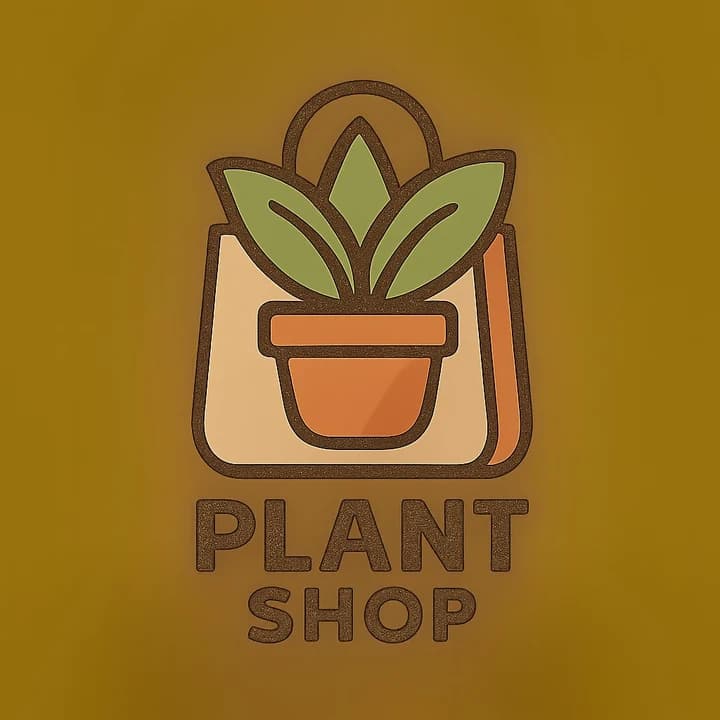
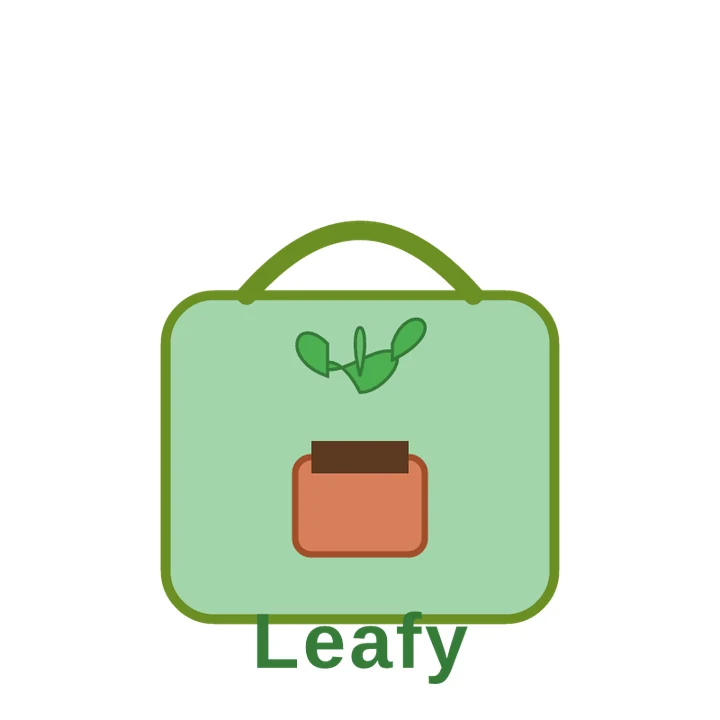
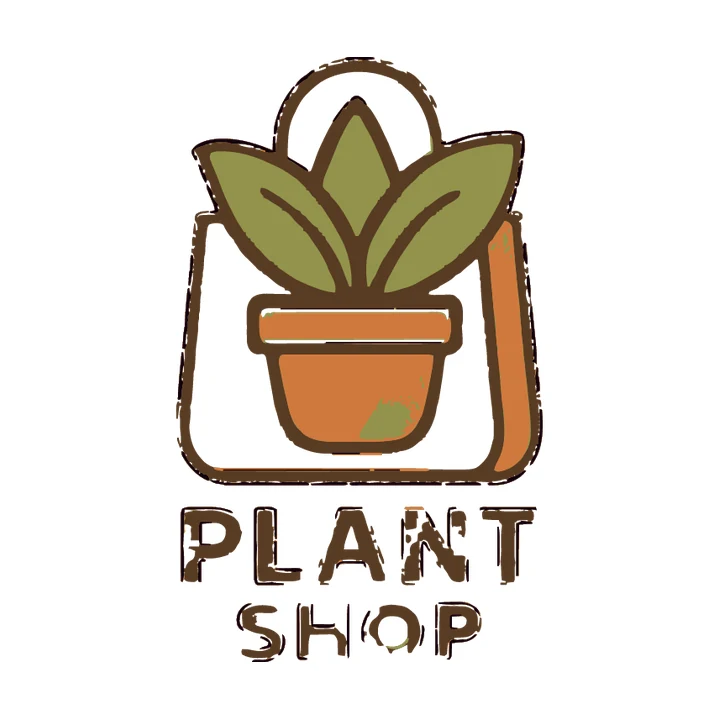
Language models can write SVG code, and the result is a true vector file. The catch is what they draw: a new picture built from simple shapes at chosen coordinates. gpt-image-1 made a plant shop logo from the prompt "create a cute logo for 🪴🛍️". Then we gave gpt-4.1-mini, an OpenAI chat model, a one-line brief through the API, without the image: "a cute potted plant in a shopping bag, for a plant shop called Leafy. Flat colours." It is one example of this kind of answer, not ChatGPT's exact output.
The image it generated
SVG written from a one-line brief
Traced from the image
The written SVG is a vector, but it is a different drawing. It has a mint-green box for the bag, four small leaves floating above a plain rectangle pot, and a brown bar for soil. "Leafy" overlaps the bag's bottom edge, and the top quarter of the canvas is empty. The name is live text in Segoe UI or a fallback font, so it looks different on computers without that font.
The trace keeps the drawing you approved: the same three leaves, the tapered pot and the bag with its orange side panel. It is far from perfect. The beige inside the bag was dropped and is see-through, probably because it was taken for backdrop. The lettering broke up: many letters are a mix of brown fill, loose dark outline pieces and white gaps where the image had a speckled texture, and the O has a green mark. The bag outline has gaps too, and the pot has a small green blotch. You would redo the lettering in a real font. Those are faults in the right drawing, not a different drawing.
<svg width="200" height="200" viewBox="0 0 200 200" xmlns="http://www.w3.org/2000/svg" role="img" aria-label="Leafy plant shop logo">
  <!-- Shopping bag -->
  <rect x="40" y="80" width="120" height="100" fill="#A2D5AB" stroke="#6B8E23" stroke-width="3" rx="15" ry="15"/>
  <!-- Bag handle -->
  <path d="M65 80 Q100 40 135 80" fill="none" stroke="#6B8E23" stroke-width="6" stroke-linecap="round"/>
  <!-- Pot -->
  <rect x="80" y="130" width="40" height="30" fill="#D87F5A" stroke="#A14E2A" stroke-width="2" rx="5" ry="5"/>
  <!-- Soil -->
  <rect x="85" y="125" width="30" height="10" fill="#5C3A21" />
  <!-- Leaves -->
  <path d="M100 110 C90 90, 80 110, 100 100 C120 90, 110 110, 100 110Z" fill="#4CAF50" stroke="#357a38" stroke-width="1"/>
  <path d="M100 105 C95 85, 105 85, 100 105Z" fill="#66BB6A" stroke="#357a38" stroke-width="1"/>
  <path d="M110 95 C115 80, 130 90, 110 100Z" fill="#4CAF50" stroke="#357a38" stroke-width="1"/>
<path d="M90 95 C80 85, 75 100, 90 105Z" fill="#4CAF50" stroke="#357a38" stroke-width="1"/>Written SVG code suits very simple marks, such as a letter in a circle. For a logo you chose for its look, trace the image.
Have a ChatGPT logo you like? Upload the image and check the trace for free.
The fake transparency checkerboard
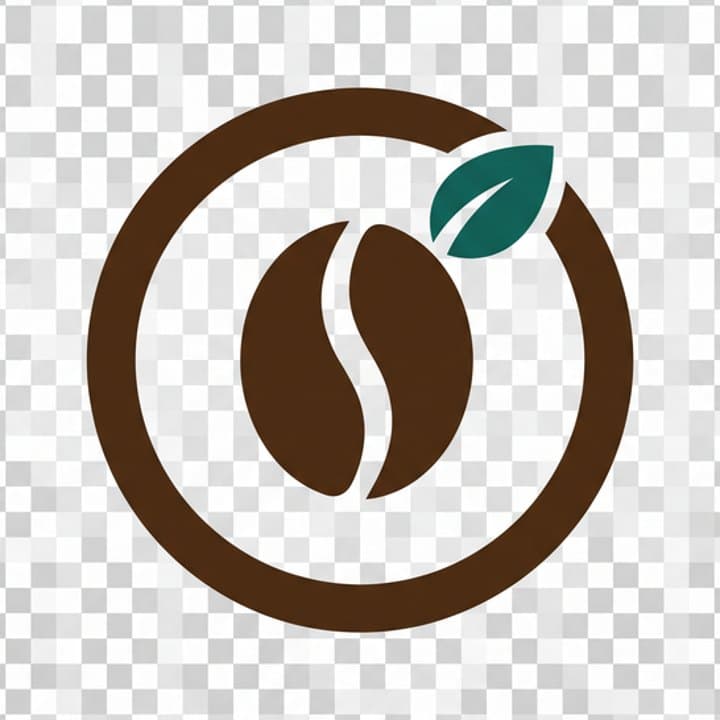
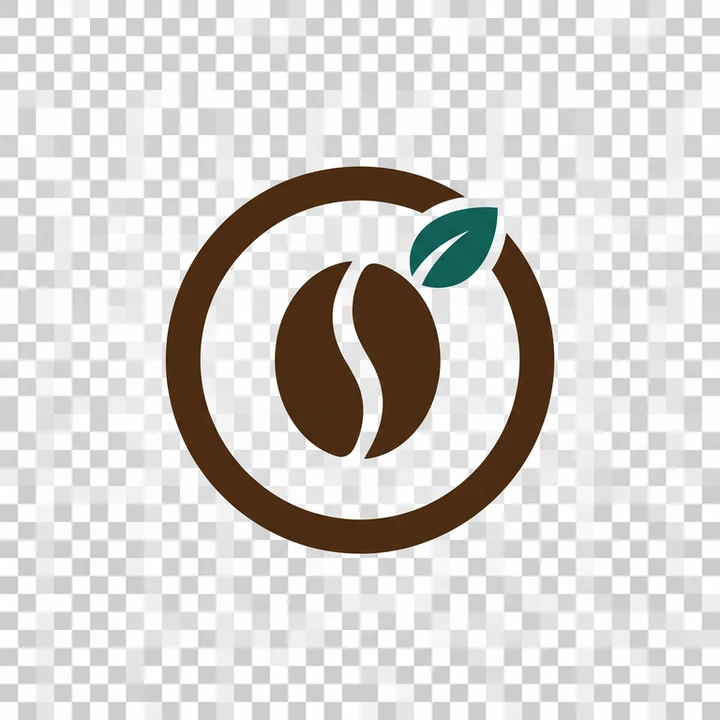
Ask ChatGPT for a logo "with a transparent background" and you may get an image that looks transparent: the logo on a grid of grey and white squares. Image editors draw that grid to show empty pixels, so it reads as transparency. Often it is not. The squares are painted into the image as solid pixels, and the file has no transparent area at all. Sometimes the app does return a real transparent PNG, but users report that it is not reliable.
Checkerboard painted into the image
To check your file, put it on a dark background: drop it into a slide with a black fill, or open it in an image editor. A real transparent PNG shows the dark colour around the logo. A painted checkerboard stays grey and white. Uneven or blurry squares, like the ones above, give it away too.
A painted checkerboard is a problem for tracing because it is part of the picture. A tracer turns the squares into shapes, so the logo ends up on a tiled board. By hand, you can select the grey and the white squares in an image editor with a magic wand, delete them, and fill the area with one plain colour before tracing. It is often easier to ask ChatGPT for the same logo on a plain white background and remove that.
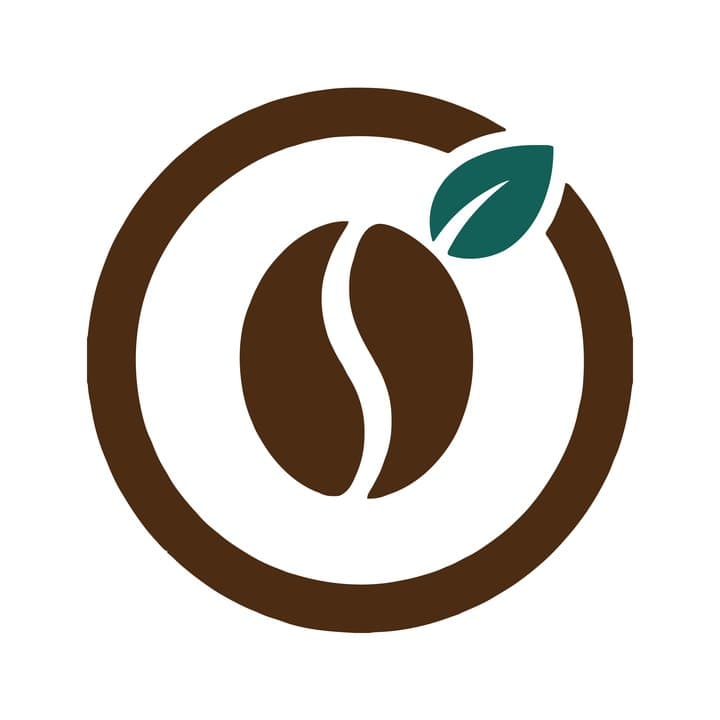
Logobundle looks for a checkerboard of two alternating greys around the edge of the upload and removes it like a plain backdrop. The slider at the top of this page is this coffee logo after the upload: the squares are gone, and the ring, the bean and the leaf are left on white. That works for a checkerboard or a flat colour behind the logo. A photo, a desk scene or a busy texture is a different matter, as the next section shows, so crop those away first.
Prompts that trace well
Much of the clean-up can happen before the image exists. We compared two images, both from gpt-image-1, and ran each through Logobundle's plain trace (background removal on, AI boost off).
create a retro garage logo for 🔧🚗make me a cool 3D logo for my sushi restaurant with shiny effects and a photo background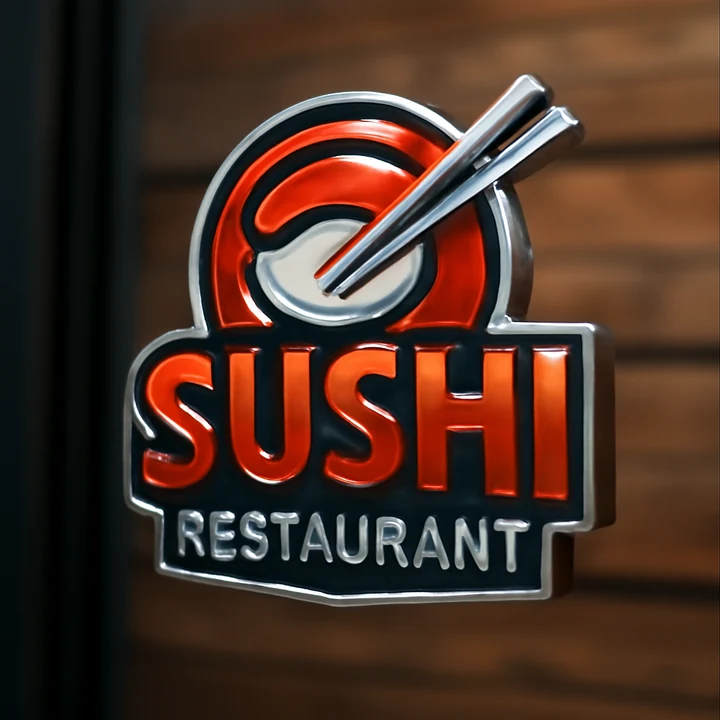
"3D, shiny, photo background"

Short prompt, traced
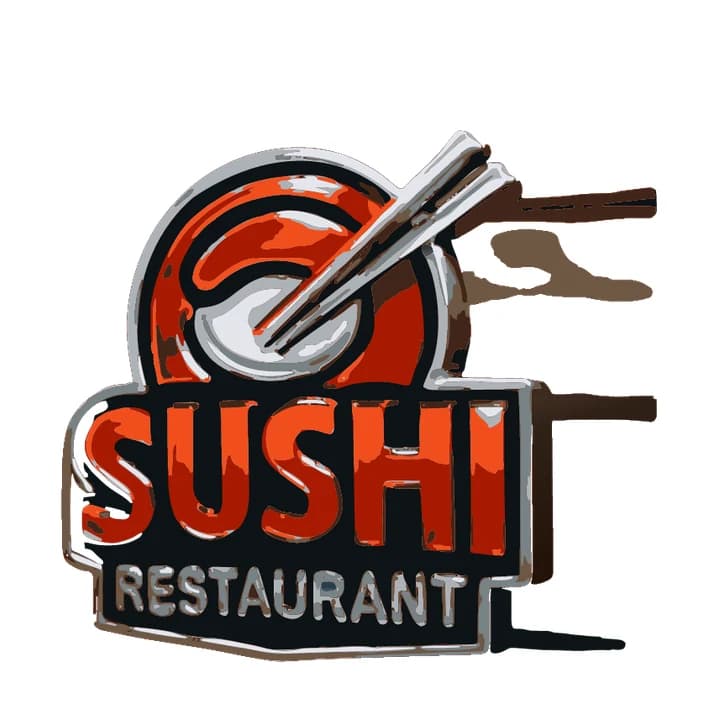
3D and photo prompt, traced
The sushi sign is a picture of an object, not a logo. Its trace keeps pieces of the wooden wall as brown streaks to the right. The reflections on the chrome rim became grey and white patches, and the red letters split into orange, red and dark shapes where the shine was. Ask for flat fills and a plain background, and keep the 3D look for a mockup later.
The garage logo came with a tan backdrop and a soft glow that the prompt did not ask for. The trace removed both. "GARAGE" is clean, and the car keeps its red and cream. The wrench picked up cream streaks from its highlights, and the painted brush texture on the car body turned into speckles. "AUTO REPAIR" is readable, but the holes in its A, O, R and P are filled with cream, red or black flecks. Neither prompt asked for flat colours; a prompt that does is the better start.
- Words that help: flat, vector style, minimal, two or three solid colours, bold simple shapes, thick lines, plain white background, no text.
- Words that hurt: 3D, shiny, glossy, metallic, realistic, photo, mockup, texture, glow, lighting.
- You can ask for changes in the same chat, for example "make it flat, two colours, on plain white", instead of starting again.
- Leave the name out of the image if you can, and set it in a real font next to the traced symbol. Generated lettering can be misspelled and cannot be edited.
What you get from a ChatGPT logo
Logobundle tries the backdrop removal, the colour reduction and the trace in one upload. Colours are reduced to a small palette, so the many near-identical shades in an AI image fold into one flat fill each. Two similar colours can end up merged, so check the result. Smooth colour ramps are kept as SVG gradients where they fit. With a paid pack, the included AI boost first has Gemini redraw the logo flat and clean, which is meant for textured output like the garage car above. The plain trace stays one click away.
The pack has the SVG in colour, black, white and grayscale, print-ready PDF and EPS, and transparent PNGs up to 2048 px. The Complete pack adds favicons, iOS and Android app icons and social media images, each in the size the platform asks for. The tiles at the top of this page show the four SVG versions made from the coffee logo.
After the upload you can make background removal gentler or stronger, change the level of detail from Simpler shapes to Keep small parts, and move corners between Rounder and Sharper. The free download lets you check every image file first: it is watermarked, up to 256 px and has no vector files. Paying once unlocks the SVG, PDF and EPS.
You do not need Logobundle for the trace itself. Inkscape (free) and Illustrator both trace a clean, flat image well, and converting a PNG logo by hand has the settings for each. Both can leave out a plain white or flat backdrop (Remove background in Inkscape, Ignore White in Illustrator), but neither removes a painted checkerboard or a scene, so clean those away first. A detailed ChatGPT logo also often needs a simpler version to read at 16 px: the favicon guide shows how to handle that.
Logos from Gemini, Ideogram, Leonardo or Canva
The same advice holds for other AI image tools. Gemini, Leonardo and Canva's AI image features make raster images, so the route to a vector is the same: get a flat image on a plain background, then trace it. For Gemini, the Gemini guide shows how to flatten a logo with a Nano Banana edit first. Check what Ideogram and similar tools offer today; if one offers an SVG download, check it as described below.
If a tool gives you an SVG download, open the file in a text editor before you trust it. Real vector shapes appear as path, rect or circle elements with coordinates. A file with one large image element and a long block of letters and numbers is a raster picture wrapped in an SVG file. It scales exactly as badly as the PNG would, and it still has to be traced.
The problems also differ with the style you ask for. Midjourney-style images often come with paper texture, grain, glow or a scene around the logo; the Midjourney guide shows what those do to a trace. Images with gradients or soft shading often trace into bands of colour, and very thin lines can break up at small sizes. Whatever made the image, look at the trace at full size and at 16 px before you send it to anyone.
Logobundle accepts PNG, JPG and WebP files up to 10 MB, whichever generator made them. The steps are the same as for a ChatGPT logo: upload, check the trace, adjust the background and detail controls if something is off, and download the free preview before you pay.
Try every file before you pay
- Previewevery image file, watermarked
- Free
- Logovectors, print, PNG
- €8.99
- Complete+ favicons, app icons, social
- €18.99
No account, ready in about a minute. Your image is only used to make your files, sits behind a private link and is deleted after 30 days.
Upload your logo image
A PNG, JPG or WebP: from an image generator, an old website or a scan. A plain or transparent background works best.
Preview the pack, free
Every image file, with a watermark. Try the favicon in your site and the icon on your phone.
Get it clean
Pay once, from €8.99: no watermark, the SVG vectors, and the AI boost, which redraws your logo flat and clean first. Prefer the plain trace? Untick it at checkout.
Pricing
Complete
€18.99 paid once
- AI boost: redrawn flat and clean before tracing
- SVG vectors that scale to any size
- Print-ready PDF and EPS
- Transparent PNGs, WebP and AVIF, black and white versions
- Favicons, touch icons, web manifest
- iOS, Android and desktop app icons
- Share images for links and profiles
- Die-cut sticker, 50, 75 and 100 mm
Logo
€8.99 paid once
- AI boost: redrawn flat and clean before tracing
- SVG vectors that scale to any size
- Print-ready PDF and EPS
- Transparent PNGs, WebP and AVIF, black and white versions
- Die-cut sticker, 50, 75 and 100 mm
No favicons, app icons or share images.
Free
€0 watermarked
Every image file with a watermark, to check the result. No vectors, preview only.
One-time payment. The AI boost is included; prefer the plain trace? Untick it at checkout.
Only need stickers? Sticker pack for €4.99 with print-shop, Cricut and Silhouette files and ready-made sheets.
Questions
- ChatGPT says the image is transparent, but it has a checkerboard. Does that work?
- Usually, yes. A painted checkerboard is a common AI artefact: it looks like transparency but is part of the image. Logobundle looks for a checkerboard of two alternating greys around the logo and removes it like a plain backdrop. Check the result in the free preview before you pay.
- Does this work with logos from Gemini, Ideogram, Leonardo or Canva AI?
- Yes. Logobundle works with any PNG, JPG or WebP logo up to 10 MB, no matter which generator made it.
- Can ChatGPT make a transparent PNG?
- You can ask for a transparent background, and sometimes you get a PNG with real transparency. Users often report a grey-and-white checkerboard painted into the image instead. OpenAI's image API has a transparent background setting for some models, but the ChatGPT app gives you no such switch. Check the file on a dark background: if the squares stay, they are pixels, not transparency.
- Is a ChatGPT logo free to use commercially?
- That is a question for OpenAI's current terms of use, not for Logobundle. At the time of writing they say you own the output, and also that similar output may be given to other users. Read the terms yourself, and check that the logo does not resemble an existing trademark before you use it.
- Why not just ask ChatGPT for the SVG?
- You can, and you get a real SVG file, but it is a new drawing built from simple shapes, not the image you chose. In our test, an SVG written from a short description had four floating leaves and a plain box for a bag. Tracing keeps the shapes of the image you approved.
More answers in the main FAQ.