 Logobundle
Turn a Gemini (Nano Banana) logo into an SVG
Updated · 12 min read
Gemini cannot save your logo as an SVG: its image models, called Nano Banana, make raster images, so a vector has to be traced from the PNG. You trace it into paths by hand in Inkscape or Illustrator, or in one upload with Logobundle. Gemini does offer a useful step before that: you can ask Nano Banana to edit the logo flat before you trace it. This guide shows that edit, what traces well and what does not, prompts that help, and what a tracer does with lettering and with stray marks in the image.
A real result
On this page
What Gemini gives you
Gemini's image models are called Nano Banana. At the time of writing, Nano Banana 2 (Gemini 3.1 Flash Image) is the default in the Gemini app, Google lists Nano Banana Pro (Gemini 3 Pro Image) for complex tasks, and Nano Banana 2 Lite is a cheaper model for developers. All of them make raster images: a grid of pixels, not shapes.
Through Google's API the images come as PNG or JPEG, at 1K by default; the larger models also offer 512 px, 2K and 4K. The images made for this guide came from Nano Banana 2 through the API, as 1,024 × 1,024 px PNG files. The app gives you a raster file too; its size depends on the model and your plan.
Gemini images carry SynthID, an invisible watermark in the pixels that Google's tools can detect. Images from the Gemini app have also had a small visible sparkle in the bottom-right corner. Google said in late 2025 that it would leave the sparkle off for Google AI Ultra subscribers, and since August 2026 a Media watermark setting makes it optional in many countries, though not where visible AI labels are required. Google's API docs mention only SynthID, and the API images in this guide have no visible mark.
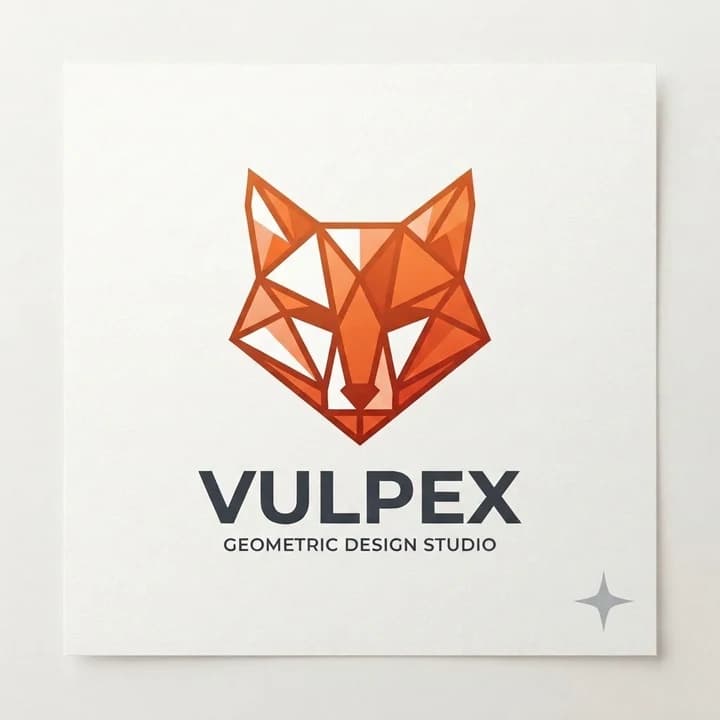
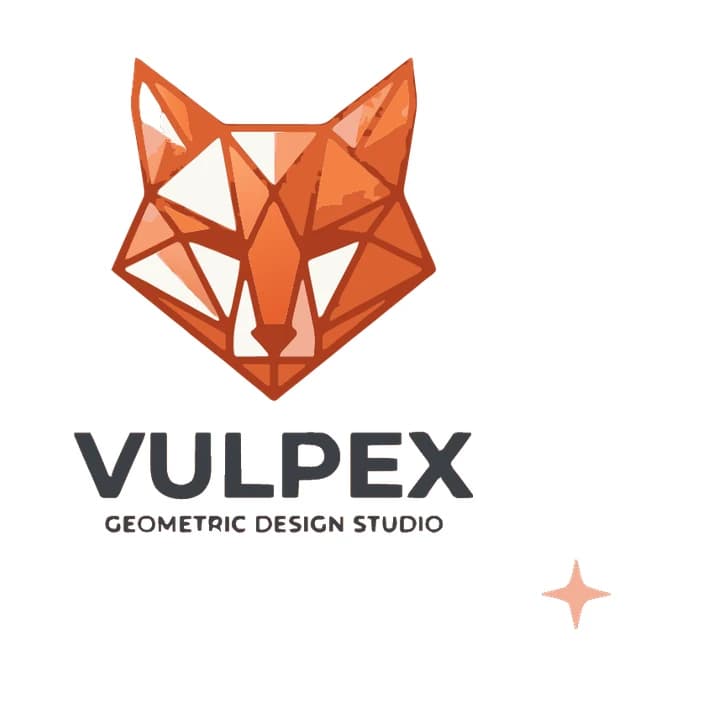
A tracer cannot tell a mark in the corner from the logo. To test this, we used a Nano Banana edit to add a light grey sparkle to a fox logo from our test set.
With the sparkle we added
 ✗
✗Traced
The trace removed the card and the grey wall behind it, but it kept the sparkle as a pale orange star, probably because its light grey was folded into one of the fox's colours. A tracer keeps whatever is in the image, and this guide does not cover removing marks.
Clean it up with Nano Banana before tracing
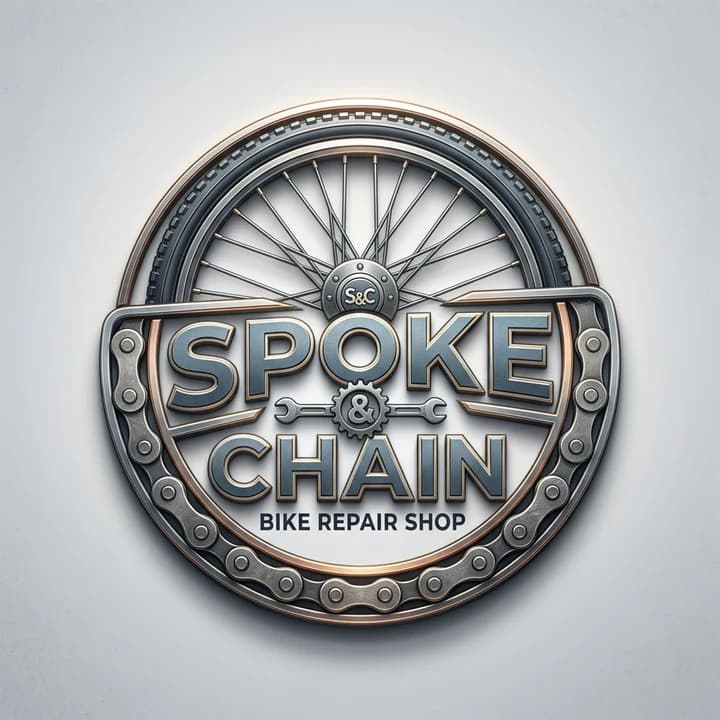
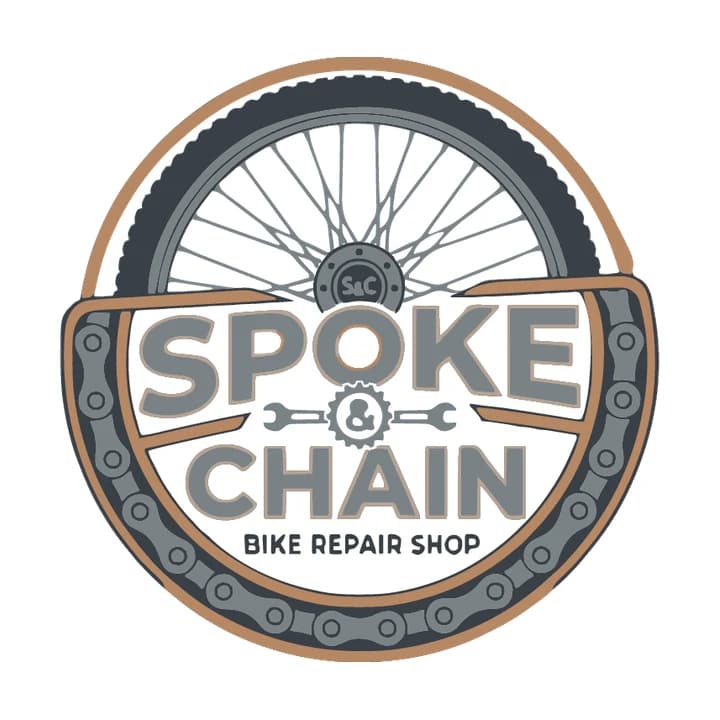
Nano Banana can change an image you give it from a written instruction, in the Gemini app or through the API. So instead of starting again, you can ask for the same logo without the things a tracer cannot use. We asked Nano Banana 2 for a bike repair shop logo with a drop shadow, a slight 3D bevel and a light grey gradient background, then gave it the result with one edit prompt.
As generated
 ✗
✗Traced as generated
After one edit
 ✓
✓Edited, then traced
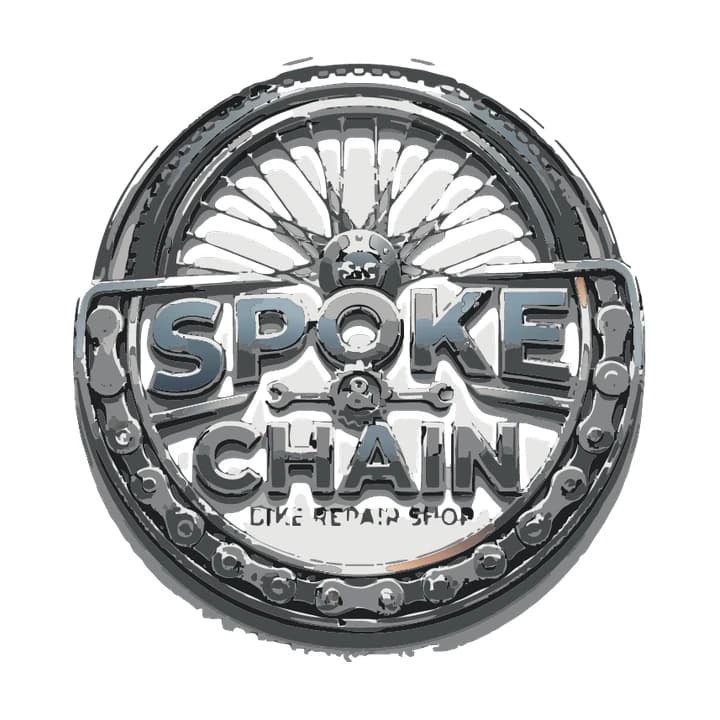
The first trace is almost all grey: the copper rim nearly vanished, the big letters split into bands of blue, grey and white where the bevel and shine were, and "BIKE REPAIR SHOP" broke into pieces you cannot read. The spokes merged into a pale fan.
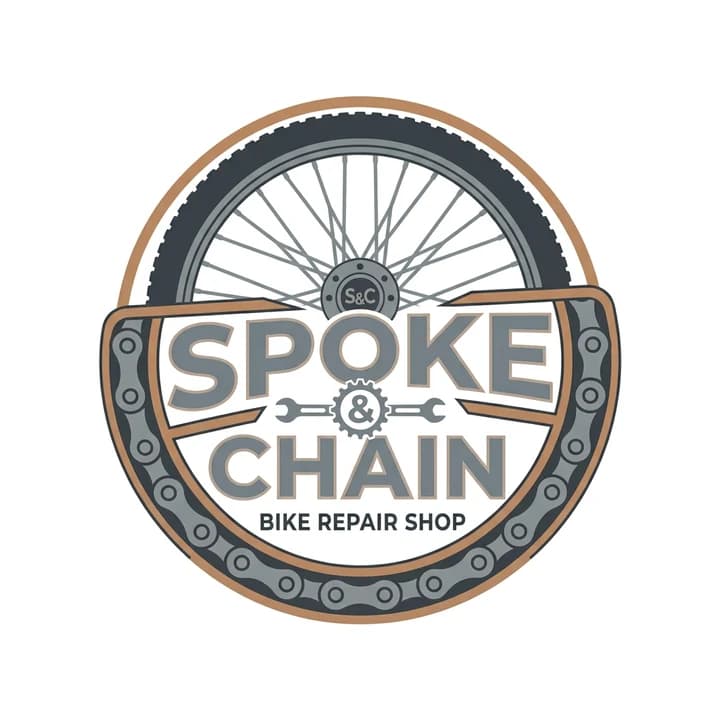
Make this logo completely flat: remove the shadow, the bevel and the gradient, keep the same shapes and colours, put it on a plain white background.The edit kept the layout: the wheel, the chain, the S&C hub, the wrenches and the same words. It turned the copper into one flat tan, the steel into two greys and the backdrop into white. The trace of that version is close to a usable logo. The rim, the chain and the lettering are clean, and "BIKE REPAIR SHOP" is sharp. It is not perfect: where the thin spokes cross near the hub, the trace joined them with small grey webs, the small "S&C" on the hub and the & inside the gear came out lumpy, the hole in the O gained an orange edge, and the letters keep the thin tan edge the edit drew.
An edit is a new image, not a filter. Compare it with the original before you trace, because shapes can shift, details can disappear and lettering can change. Other edits worth trying (we tested only the one above):
- "Remove all the text and keep only the symbol, on a plain white background."
- "Make every line at least twice as thick, keep the same shapes."
- "Use only two flat colours, dark navy and gold, with no shading."
- "Remove the scene around the logo and put it on plain white."
What traces well and what does not
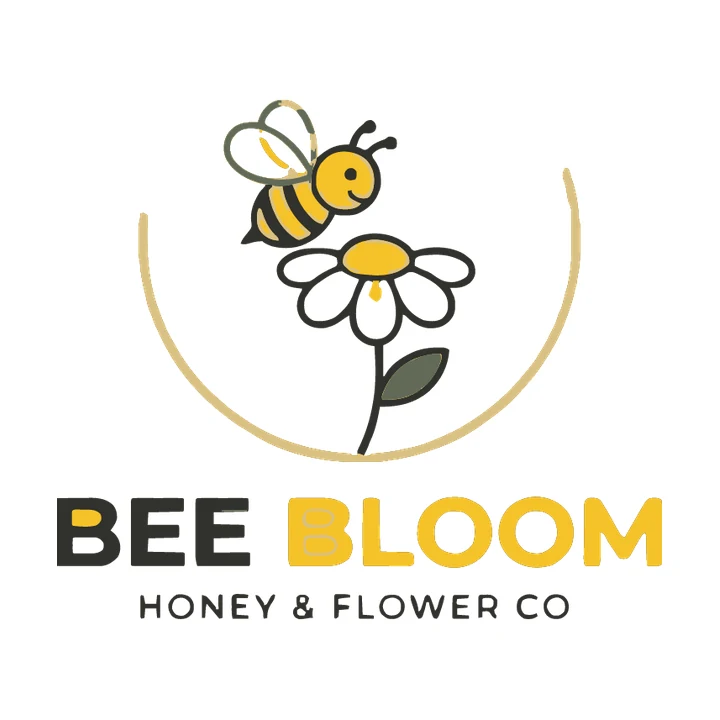
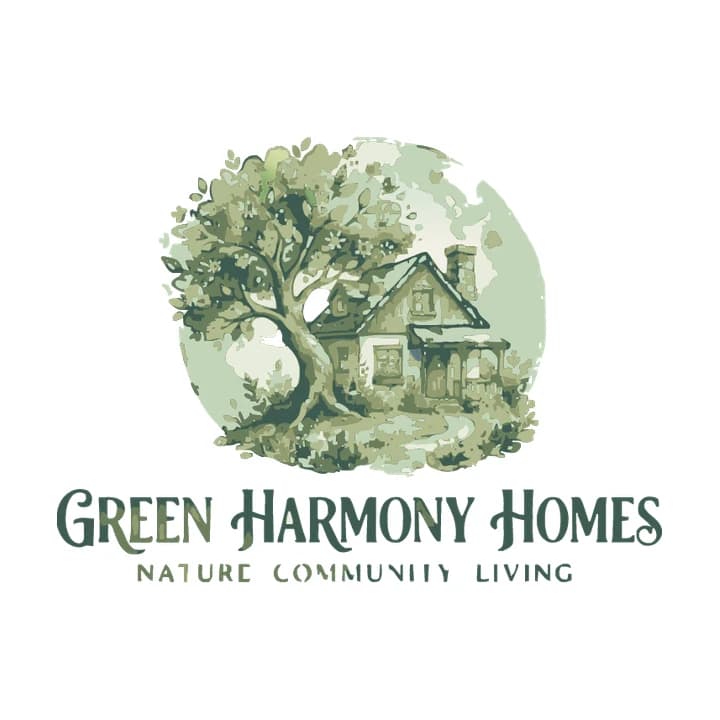
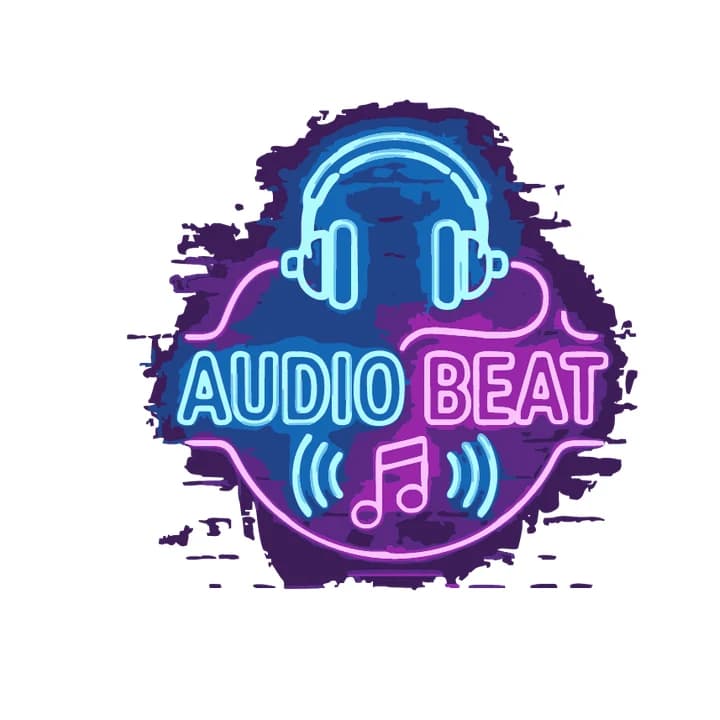
Tracing finds the edge of each colour area and redraws it as a shape. It works when the image already looks like a vector: a few colours, solid fills and clear edges. We ran four logos from our test set through Logobundle's plain trace (background removal on, AI boost off). Two are flat and two are not.
 ✓
✓Flat colours, outlines
 ✓
✓Flat colours, plain backdrop
 ✗
✗Watercolour
 ✗
✗Neon glow on brick
- Bee (✓): the bee, the daisy and both lines of lettering came through as clean shapes, but the gold ring lost its top section around the bee and is now an open arc. The holes in the B of BLOOM and the top hole in the B of BEE are filled in, one wing outline is half grey-green and half beige, and the full stop after "CO" is gone. These are fixes you can make in a vector editor.
- Brain (✓): the outline, the circuit lines, the gear and both lines of text are clean, and the pale blue fill inside the brain is kept. The gear's shading became two flat oranges with a slightly ragged line between them.
- Watercolour (✗): a painting has soft washes instead of edges. The trace turned them into blotchy patches, most colours folded into a few sage greens, and the tagline lost its full stops. Ask for a flat illustration with solid fills instead, and keep the watercolour version for print.
- Neon (✗): the glow fades into a dark brick wall, so there is no edge where the sign stops. The trace kept a ragged purple and blue patch of wall behind the tubes and the lettering. Ask for the same lines as flat colours on a plain light background.
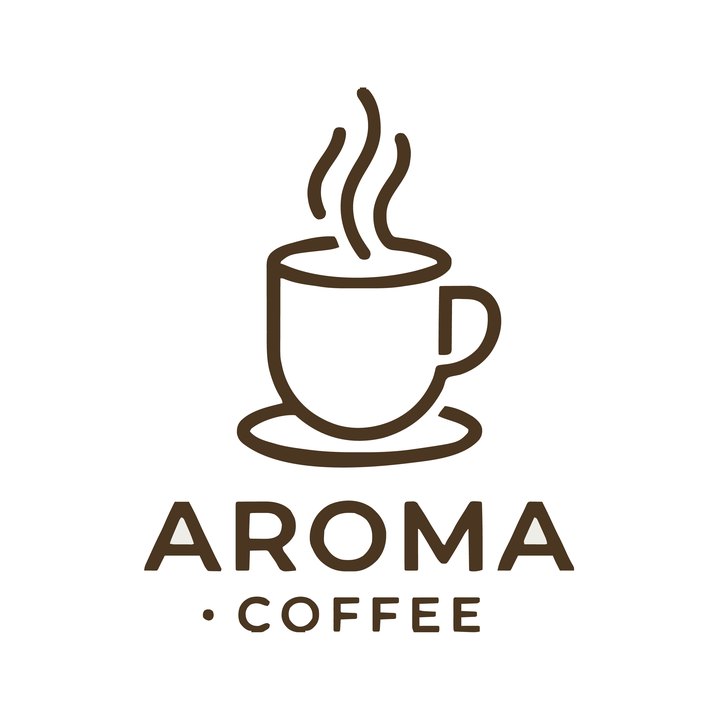
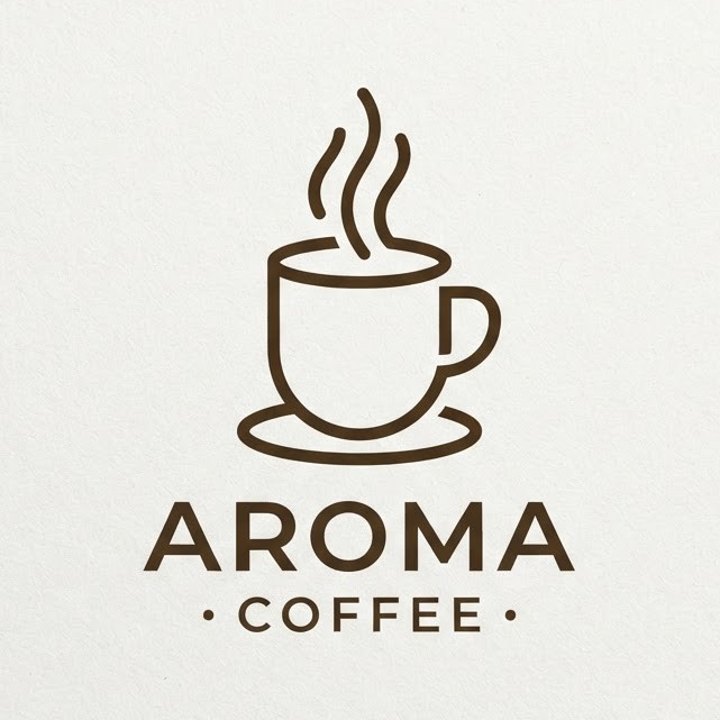
Logobundle's background removal handled the light paper behind the coffee logo at the top of this page and the card behind the fox. It cannot tell a glowing wall from the logo, so a scene like the neon sign needs cropping or a Nano Banana edit first.
Have a flat Gemini logo? Upload it and check the trace for free.
Prompts that trace well
The edit above is a repair. A prompt written for tracing saves that step. We asked Nano Banana 2 for two logos for a night bar, one with the kind of prompt that asks for a look and one written for tracing.
a photorealistic glowing neon logo for a night bar, on a brick wallflat vector logo for a night bar, a moon and cocktail glass, two solid colours, bold shapes, no text, plain white background ✓
✓Flat prompt, traced
 ✗
✗Neon prompt, traced
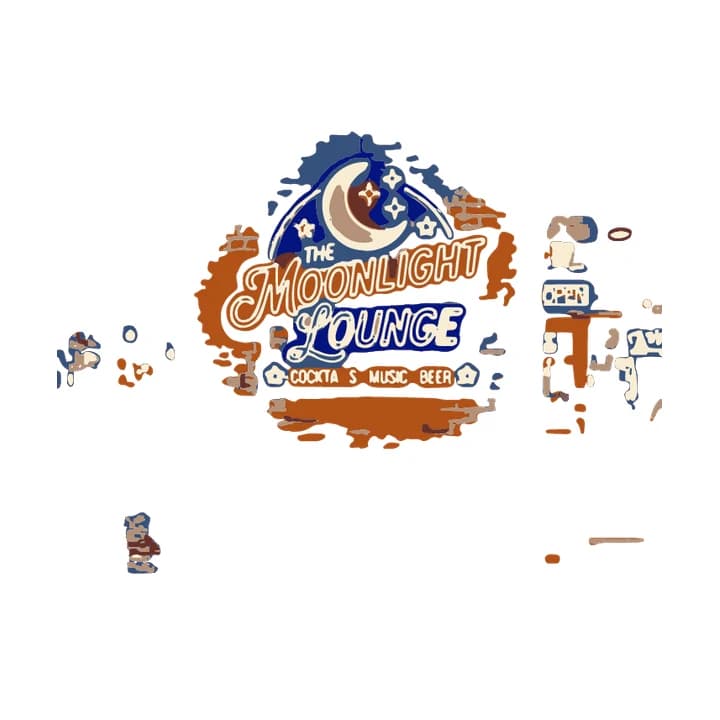
The neon prompt got what it asked for: a photo of a lit "The Moonlight Lounge" sign on a brick corner at night, with a lamp, an open door, an OPEN sign and people on the pavement. That is a picture of a place, not a logo. The trace kept the sign, but on a torn patch of orange brick and blue glow, with scraps of the street and the OPEN sign floating around it. The I and L in "COCKTAILS" are missing.
The flat prompt gave a navy crescent moon and a gold cocktail glass with a lemon slice, on white. The trace is a clean two-colour vector with smooth curves and sharp corners, and the thin grey line that ran along the edge of the image is gone. That is what a logo prompt should aim for.
- Words that help: flat, vector style, minimal, two or three solid colours, bold shapes, thick lines, plain white background, no text.
- Words that hurt: photorealistic, 3D, glowing, neon, shiny, metallic, texture, watercolour, on a wall, mockup.
- Name the colours you want, such as navy and gold, and pick two that differ in lightness so they stay apart in the trace.
- If Gemini adds something you did not ask for, ask for it to be removed in the same chat, as in the edit above.
Text in Gemini logos
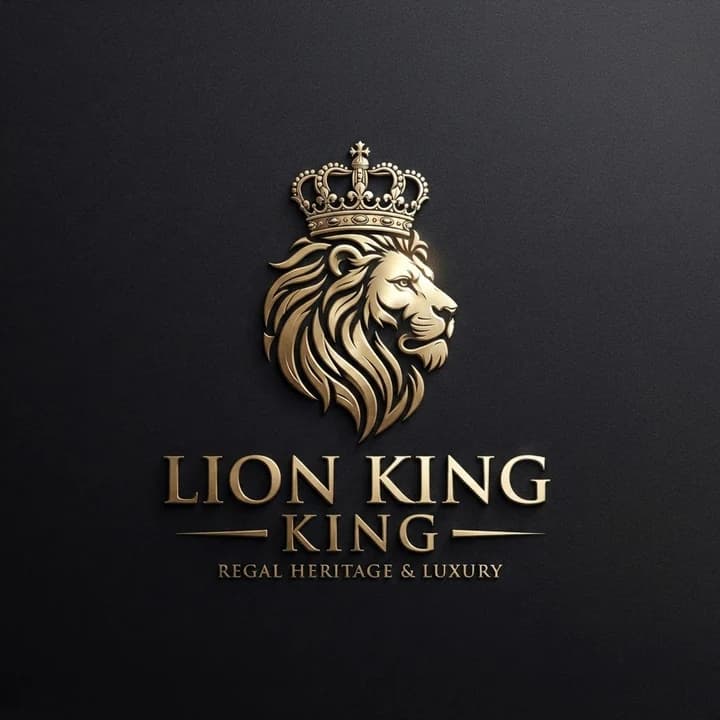
Gemini's image models often spell short names correctly. In this guide, "Spoke & Chain", "Bee Bloom" and "TechMind" all came out spelled right. Still read every letter before you use a logo. The prompt behind the lion logo below had no words in it at all, "create a luxury logo for 🦁👑", and the model wrote "LION KING" with a second "KING" under it.
Words nobody asked for
Even when the spelling is right, traced lettering is a weak point. The trace follows the pixels, so small text breaks up first: the coffee logo at the top of this page lost one of the two dots beside "COFFEE". And a word that is drawn, not typed, cannot be changed later.
The reliable way is to split the logo in two. Ask Gemini for the symbol alone, with "no text" in the prompt, as for the moon and glass above. Trace the symbol, then set the name in a real font next to it in a design tool. A font stays editable, is spelled the way you typed it and stays sharp at every size. If you like the lettering Gemini drew, look for a font with a similar feel rather than tracing it.
Convert it by hand or with Logobundle
You do not need Logobundle for the trace. Inkscape (free) and Illustrator both trace a clean, flat image well, and converting a PNG logo by hand has the settings for each. Both can leave out a plain white backdrop (Remove background in Inkscape, Ignore White in Illustrator), but neither removes a scene. Set the colour count to the number of colours you can name: two for the moon and glass, about four for the edited bike shop badge.
Logobundle tries the backdrop removal, the colour reduction and the trace in one upload. Colours are reduced to a small palette, so the many near-identical shades in an AI image fold into one flat fill each; two similar colours can merge, so check the result. Smooth colour ramps are kept as SVG gradients where they fit. With a paid pack, the included AI boost first has Gemini redraw the logo flat and clean, which is meant for shaded or textured uploads. The plain trace stays one click away.
After the upload you can make background removal gentler or stronger, change the level of detail from Simpler shapes to Keep small parts, and move corners between Rounder and Sharper. The free download lets you check every image file first: it is watermarked, up to 256 px and has no vector files. Paying once unlocks the SVG, PDF and EPS, and the Complete pack adds favicons and app icons made from the vector. A detailed symbol such as the spoked wheel needs a simpler version at 16 px: the favicon guide shows how to handle that.
If your logo came from another generator, the problems differ. The ChatGPT guide covers the painted transparency checkerboard, and the Midjourney guide covers paper, grain and glow.
Try every file before you pay
Free with a watermark · no account · about 30 s. Clean from €8.99, paid once.
Upload your PNG
The file your image generator gave you. A plain or transparent background works best.
Download the full pack, free
Every image file, with a watermark. Try the favicon in your site and the icon on your phone.
Get it clean
Pay once, from €8.99: AI redraws your logo flat and clean, and you get files without watermark plus the SVG vectors. No account, no subscription.
Pricing
Complete
€18.99 paid once
- ✓ AI clean-up before tracing (optional)
- ✓ SVG vectors that scale to any size
- ✓ Print-ready PDF and EPS
- ✓ Transparent PNGs, WebP and AVIF, black and white versions
- ✓ Favicons, touch icons, web manifest
- ✓ iOS, Android and desktop app icons
- ✓ Share images for links and profiles
- ✓ Die-cut sticker, 50, 75 and 100 mm
Logo
€8.99 paid once
- ✓ AI clean-up before tracing (optional)
- ✓ SVG vectors that scale to any size
- ✓ Print-ready PDF and EPS
- ✓ Transparent PNGs, WebP and AVIF, black and white versions
- ✓ Die-cut sticker, 50, 75 and 100 mm
No favicons, app icons or share images.
Free
€0 watermarked
Every image file with a watermark, to check the result. No vectors, testing only.
One-time payment, no account, no subscription. The AI clean-up is included; untick it at checkout if you prefer the plain trace.
Only need stickers? Sticker pack for €4.99 with print-shop, Cricut and Silhouette files and ready-made sheets.
Questions
- Is Nano Banana the same as Gemini?
- Nano Banana is the name Google uses for the image models behind Gemini. Gemini is the assistant and the app; when it makes or edits a picture, it uses a Nano Banana model. At the time of writing that is Nano Banana 2 (Gemini 3.1 Flash Image) by default, with Nano Banana Pro (Gemini 3 Pro Image) as the larger model. Developers can use the same models through Google's API.
- Can Gemini make an SVG?
- Not as an image: Nano Banana makes PNG or JPEG files. Gemini can write SVG code if you ask for it in the chat, as ChatGPT can, but that code is a new drawing built from simple shapes, not the image you liked. The ChatGPT guide shows an example. To keep the logo you chose, trace the image.
- Does the trace keep the SynthID watermark?
- We have not tested whether Google's tools recognise a traced vector, so do not assume either way. SynthID is an invisible watermark that Google puts into the pixels of the images its models make. A traced SVG is a new file of shapes drawn along the edges of the image, and your original image keeps its SynthID. Tracing does not change the fact that the logo was made with AI: say so wherever that matters.
- Can I use a Gemini logo commercially?
- That is a question for Google's terms, not for Logobundle. Google has separate terms for the Gemini app and for its API, and they change, so read the ones that apply to you. At the time of writing, the Gemini API terms say Google won't claim ownership of content you generate, and that it may generate the same or similar content for others. Also check that the logo does not resemble an existing trademark before you use it.
More answers in the main FAQ.