 Logobundle
Social media logo sizes: profile pictures, banners and share images
Updated · 9 min read
A logo needs about seven different images to look right across the web: a square profile picture of 400 × 400 px, a 1200 × 630 px share image for link previews, and a banner or cover for each network, from 1500 × 500 px on X to 2560 × 1440 px on YouTube. The sizes differ, and so do the parts that get cropped: profile pictures are shown in a circle, and phones cut a YouTube banner down to a thin strip. This guide lists the sizes, shows on real test logos what a circle crop and a safe area do to a logo, and explains how to make the whole set from one upload. Platforms change their sizes from time to time, so check before a big campaign.
A real result
On this page
The sizes at a glance
These are the images most brands need. We checked the LinkedIn, YouTube and Open Graph figures against the networks' help pages in October 2026. The X and Facebook cover sizes are the ones those networks and design tools have used for years, so check the network's own page before a big campaign.
| Image | Size | Notes |
|---|---|---|
| Profile picture | 400 × 400 px | Square, shown as a circle on most networks. X and the LinkedIn page logo both recommend 400 × 400 |
| Link preview (Open Graph) | 1200 × 630 px | Facebook recommends at least 1200 × 630 px for sharp previews, a 1.91:1 shape and under 8 MB. Used by many apps that show link previews |
| X header | 1500 × 500 px | A 3:1 banner. Around 60 px can be cropped at the top and the bottom |
| LinkedIn page cover | 1512 × 256 px | The minimum and the recommended size for a company page, as PNG or JPEG under 3 MB |
| YouTube banner | 2560 × 1440 px | At least 2048 × 1152. Only the centre strip, 1546 × 423 px, shows on every device. Up to 6 MB |
| Facebook cover | 820 × 312 px | Shown at 820 × 312 on computers and cropped to 640 × 360 on phones |
| Square post | 1080 × 1080 px | A safe size for a feed post on Instagram and other networks |
Sources: Facebook's page on sharing images, LinkedIn's help page on page images and YouTube's help page on channel branding.
Profile pictures: the circle and the small size
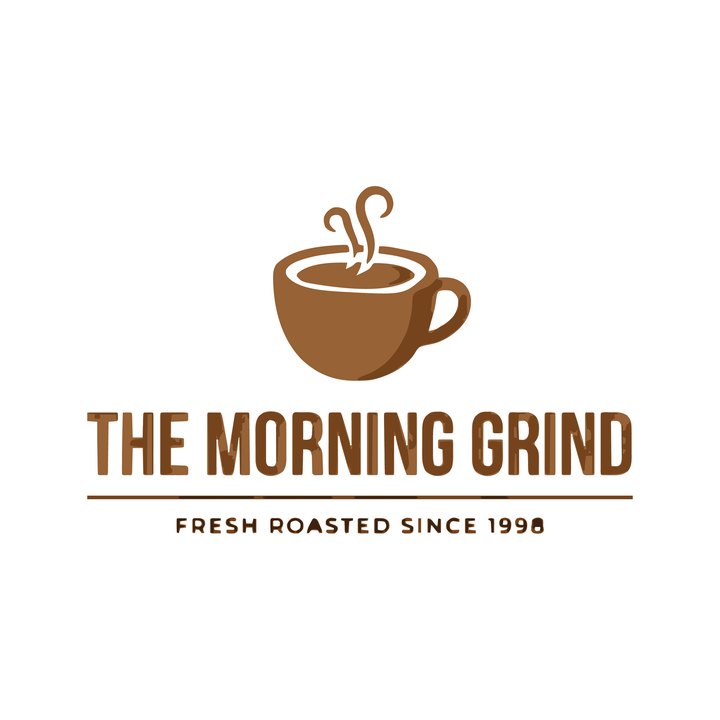
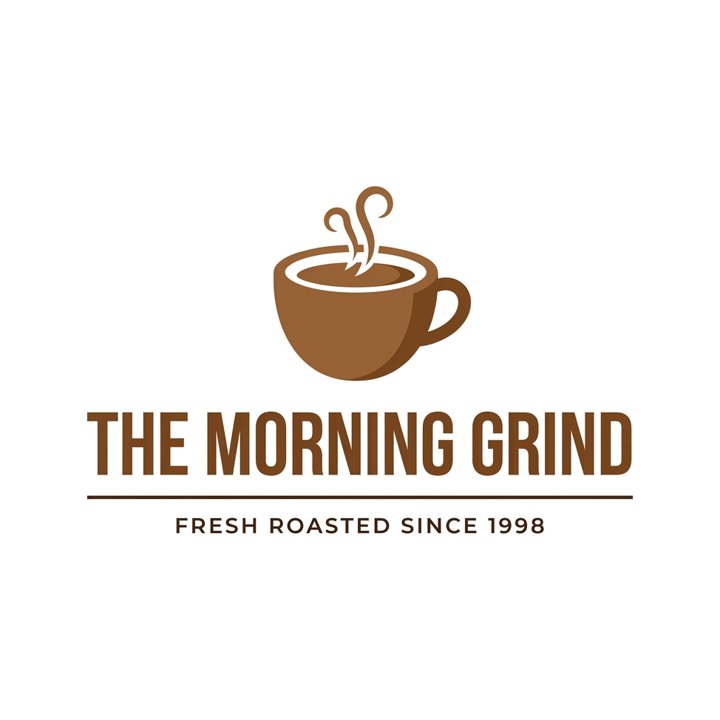
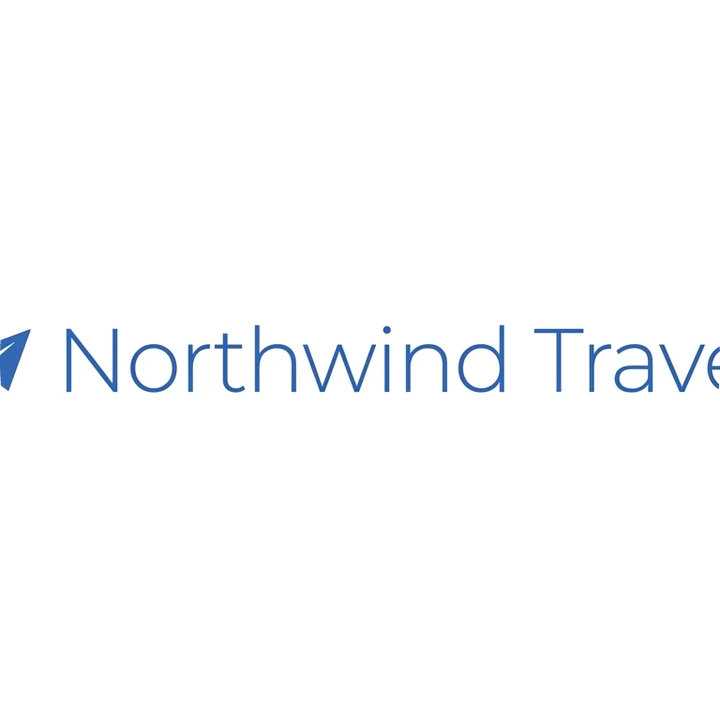
A profile picture is shown small, often as 40 to 100 px, and cut to a circle. Two things go wrong: parts of the logo get cropped away, and long names turn to specks. We tested two logos: a wide one with a thin wordmark and a coffee logo with a name and a tagline, both made with a Gemini image model for our test set. The first tile is a hand crop to the centre of the wide logo. The next two are Logobundle's avatars for the two logos, and the last shows the coffee logo at 48 px.
 ✗
✗Wide logo, centre crop
Wide logo, fitted whole
Coffee logo, fitted whole
 ✗
✗Coffee logo at 48 px
The crop cuts the plane and the end of the name. The avatar in the Logobundle pack avoids that by scaling the whole logo into the circle with a margin. The price is size: the wide logo is a thin line of small letters, and at 48 px the coffee logo keeps its cup but its name turns to a smear and its tagline to a grey line.
The fix is the symbol alone. Logobundle uses the symbol of a logo for its avatar when it can find one. For these two test logos it did not, and used the whole logo. So we cropped the coffee cup out of the logo by hand and uploaded it on its own:
 ✓
✓Symbol alone
 ✓
✓Symbol alone at 48 px
If your logo is a symbol next to a name, do the same: crop the symbol, upload it as a second logo and use its avatar for profile pictures. Keep the full logo for banners and share images.
Link previews: the 1200 × 630 share image
When someone pastes your link into a chat or a post, the app shows a card with a title and an image. That image comes from a tag in your page's head, called Open Graph. A 1200 × 630 px image fits the common 1.91:1 card, so nothing is cut off.
Wide logo
Coffee logo
Add three lines to the head of your page, with the file on your own site:
<meta property="og:image" content="https://example.com/og-1200x630.png">
<meta property="og:image:width" content="1200">
<meta property="og:image:height" content="630">Use an opaque image with a solid background, not a transparent PNG, because apps fill transparent areas with black or white and a dark logo can vanish. Keep the logo in the middle: some apps crop the edges. Our transparent logo guide explains when a logo should not be transparent.
Banners and covers: keep the logo in the middle
Banners are wide, and each network crops them differently, so the logo belongs in the centre. These are the banners from the Logobundle pack for the coffee logo, which puts the logo in the middle of a plain background:

X header, 1500 × 500

LinkedIn cover, 1512 × 256
Facebook cover, 820 × 312
Square post, 1080 × 1080
The YouTube banner is the extreme case. It is 2560 × 1440 px, but only a strip across the middle, 1546 × 423 px, shows on every device. A phone shows little more than that strip, a computer a bit more, and only a TV the whole picture. YouTube gives the strip as 1235 × 338 px on its 2048 × 1152 minimum, the same area at a smaller size. The tile below marks it: everything outside the bright rectangle can be cut.
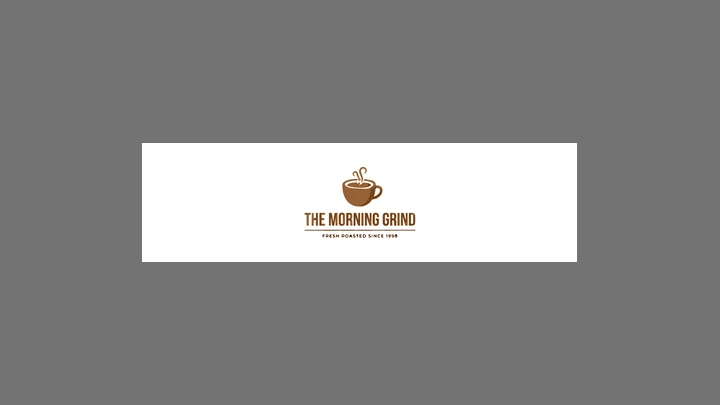
YouTube banner with the safe strip marked
Facebook works the same way: the cover is cut from 820 × 312 px on a computer to 640 × 360 px on a phone, and on a Page the profile picture covers the lower-left corner. The LinkedIn cover is narrow and short, so a logo with a long tagline gets small. Use the symbol and the name, and leave the tagline for the page text.
Want all of these from one upload? Upload your logo and see the whole set in the free preview.
Make the whole set with Logobundle
The Complete pack has a social folder with every image above: the 1200 × 630 share image, a 400 × 400 avatar, the X banner at 1500 × 500, the LinkedIn page cover at 1512 × 256, the YouTube banner at 2560 × 1440 px with the logo kept inside the safe strip, the Facebook cover at 820 × 312 and the 1080 × 1080 post. All of them are opaque, with the logo centred.
- 1Upload a PNG, JPG or WebP of your logo. For a good avatar, use a logo with a clear symbol.
- 2Check the free preview. It has every file, with a watermark and at small sizes.
- 3Pay once for the Complete pack and download it. The social images are in the social/ folder.
- 4Upload each image to its network. Use the 1200 × 630 px file for the Open Graph tag on your site.
Logobundle puts the logo on a plain background. It does not add artwork or text, and some sizes, such as Instagram stories or the personal LinkedIn cover, are not in the pack. If you want a designed banner, use the pack's files as the logo layer in Canva or Figma. The pack also has favicons and app icons: see the favicon guide.
Checklist before you upload
- Profile picture: 400 × 400 px, the symbol alone if you have one, nothing near the corners.
- Share image: 1200 × 630 px, opaque, the logo in the middle, linked with the Open Graph tags.
- Banners: the logo in the middle, nothing important near the edges, text large enough to read at phone width.
- File type: PNG or JPEG. Check each network's size limit, for example 3 MB on LinkedIn and 6 MB on YouTube.
- Look at the result on a phone before you finish. Every network shows these images a little differently.
A logo that works as a profile picture, a share image and a banner is usually a simple one. If yours is detailed, what makes a logo trace well is a good place to start.
Try every file before you pay
Free with a watermark · no account · about 30 s. Clean from €8.99, paid once.
Upload your PNG
The file your image generator gave you. A plain or transparent background works best.
Download the full pack, free
Every image file, with a watermark. Try the favicon in your site and the icon on your phone.
Get it clean
Pay once, from €8.99: AI redraws your logo flat and clean, and you get files without watermark plus the SVG vectors. No account, no subscription.
Pricing
Complete
€18.99 paid once
- ✓ AI clean-up before tracing (optional)
- ✓ SVG vectors that scale to any size
- ✓ Print-ready PDF and EPS
- ✓ Transparent PNGs, WebP and AVIF, black and white versions
- ✓ Favicons, touch icons, web manifest
- ✓ iOS, Android and desktop app icons
- ✓ Share images for links and profiles
- ✓ Die-cut sticker, 50, 75 and 100 mm
Logo
€8.99 paid once
- ✓ AI clean-up before tracing (optional)
- ✓ SVG vectors that scale to any size
- ✓ Print-ready PDF and EPS
- ✓ Transparent PNGs, WebP and AVIF, black and white versions
- ✓ Die-cut sticker, 50, 75 and 100 mm
No favicons, app icons or share images.
Free
€0 watermarked
Every image file with a watermark, to check the result. No vectors, testing only.
One-time payment, no account, no subscription. The AI clean-up is included; untick it at checkout if you prefer the plain trace.
Only need stickers? Sticker pack for €4.99 with print-shop, Cricut and Silhouette files and ready-made sheets.
Questions
- What size should a logo be for social media?
- A 400 × 400 px square for the profile picture, then one banner per network: 1500 × 500 px on X, 1512 × 256 px for a LinkedIn page cover, 2560 × 1440 px on YouTube and 820 × 312 px on Facebook. For link previews use 1200 × 630 px.
- Why is my logo cut off in my profile picture?
- Most networks show profile pictures in a circle, so the corners of a square image are cut. Keep the logo in the middle with a margin around it, and use the symbol alone if your logo has a long name.
- Should social media images be transparent?
- No. Use opaque images with a solid background. Some networks fill transparent areas with black or white, and a dark logo can disappear. The transparent logo guide explains where transparency helps and where it does not.
- What is the safe area of a YouTube banner?
- The centre 1546 × 423 px of the 2560 × 1440 px banner, which every device shows. YouTube states it as 1235 × 338 px on the 2048 × 1152 px minimum: the same strip at a smaller size. Keep the logo and any text inside it.
- Does Logobundle make banners with artwork or text?
- No. It puts your logo in the middle of a plain background at each network's size. If you want a designed banner, use the files as the logo layer in a design tool.
More answers in the main FAQ.